

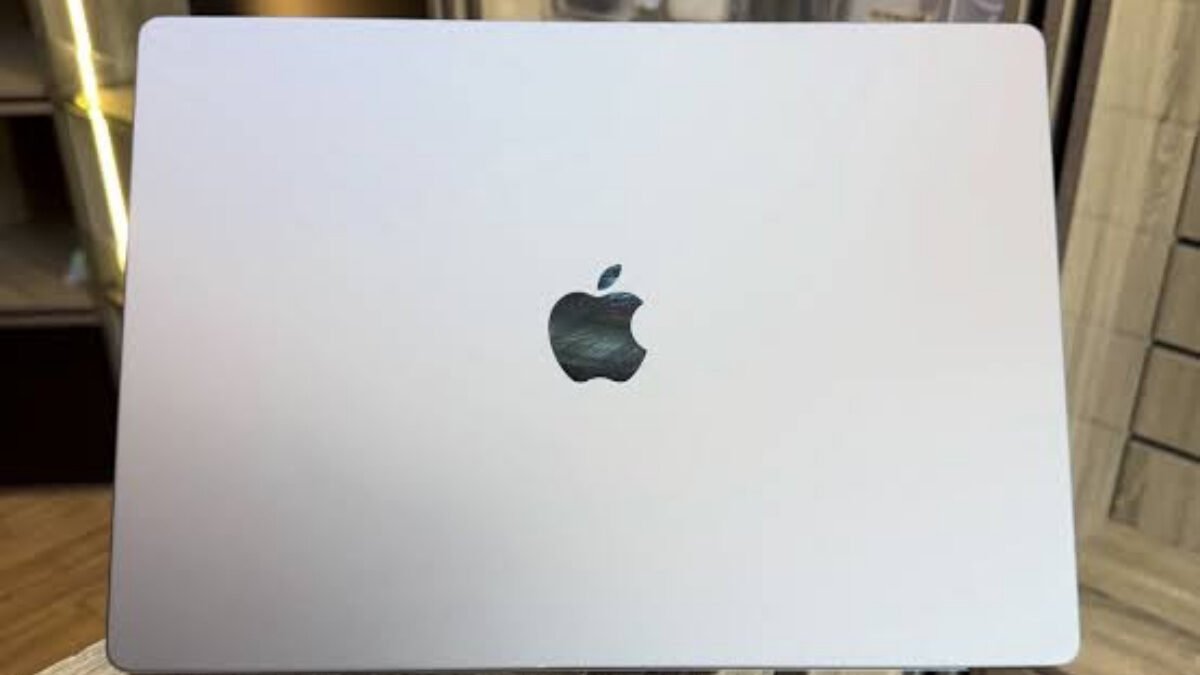
A UK-used MacBook with an Intel processor won’t get macOS 27 Golden Gate, which Apple released on September 14, 2026 for Macs with Apple silicon only, so the chip inside is now the first thing to check before you pay for any used MacBook in Nigeria. A 2019 or early 2020 Intel MacBook Pro can still look spotless on the outside, but it’s stuck on macOS Tahoe from here on.
That isn’t the only trap with foreign-used Macs. Many of the units that reach Computer Village and Instagram sellers were company laptops, and some still carry a lock or a management profile that the seller may not even know about. The good news is that you can check all of this in about ten minutes with the seller standing next to you, and the steps below show you exactly where to look.
| Released | 14 September 2026 |
|---|---|
| Runs on | Macs with Apple silicon (M1 and later) |
| Intel MacBooks | Not supported; last major version is macOS Tahoe 26 |
| Oldest supported MacBook Air | MacBook Air (M1, 2020) |
| Oldest supported MacBook Pro | MacBook Pro (M1, 2020) |
| Quick chip check | Apple menu > About This Mac |
Check the chip first, because the 2020 MacBooks come in two versions
Open the Apple menu and choose About This Mac. If the window shows a line that says Chip with Apple M1, M2 or later, the MacBook runs Apple silicon and will get macOS 27. If it shows Processor with an Intel Core i5 or i7, it’s an Intel Mac, and Apple said in 2025 that macOS Tahoe would be the last major release for those machines.
This matters most with 2020 models, because Apple sold both an Intel MacBook Air and an M1 MacBook Air that year, and the same goes for the 13-inch MacBook Pro. Sellers often list them simply as “MacBook Air 2020”, so don’t rely on the year in the advert. An Intel Mac isn’t useless, since it’ll keep running your apps and Apple usually keeps shipping security fixes for older macOS versions for a while, but it shouldn’t cost close to what an M1 does.
Make sure the MacBook isn’t still tied to someone’s Apple Account
Activation Lock works on every MacBook with Apple silicon and on Intel models with Apple’s T2 security chip. If the previous owner didn’t sign out, the Mac can ask for their Apple Account password after it’s erased, and you won’t be able to set it up. Ask the seller to open System Settings > [their name] > iCloud and turn off Find My Mac in front of you, then sign out of the Apple Account completely.
Keep your receipt or transfer record, too. Apple says on its Activation Lock support page that “If you need help disabling Activation Lock and have proof of purchase documentation, you can start an Activation Lock support request”, and a WhatsApp chat alone may not be enough to prove the Mac is yours.
The company lock that shows up only after you erase the Mac
Businesses that buy Macs through Apple Business can enrol them automatically in their device management system. On a MacBook like that, a fresh setup can bring up a Remote Management screen asking you to enrol with the old company, and the Mac stays under that organisation’s control until it’s removed from its account. Apple’s guide to releasing devices in Apple Business says organisations should remove a device “if it’s been sold, lost, or can’t be repaired”, but plenty of ex-corporate laptops get resold without that step.
Before you pay, look in System Settings > General > Device Management for any profiles, and if your version of macOS shows it differently, search for “Profiles” inside System Settings. The safest test is to ask the seller to erase the Mac and run through setup while you watch. Don’t accept a MacBook that shows the Remote Management screen during setup, because skipping it isn’t a permanent fix.
Battery cycles tell you more than the percentage on screen
Hold the Option key, click the Apple menu and choose System Information, then go to Hardware > Power and read the Cycle Count under Battery Information. According to Apple’s battery cycle count page, recent MacBook Air and MacBook Pro models are rated for 1,000 cycles and are designed to keep up to 80% of their original capacity at that point.
A MacBook with 150 cycles has plenty of life left, while one near 900 will need a new battery soon, which you should factor into the price. If you’ve already read our guide on checking a phone’s real battery health before you buy it, the idea is the same, only the menu is different on a Mac.
Confirm the serial number and repair history before money changes hands
The serial number in About This Mac should match the one printed on the underside of the laptop. You can enter it on Apple’s Check Coverage site to confirm the exact model and whether any warranty is left, which also catches listings that call an older Mac by a newer name.
Be careful with MacBooks that have had parts replaced, because Apple notes that a part moved from one Mac to another can be locked to someone else’s Apple Account. On Apple silicon Macs running macOS Tahoe or later, Apple’s Repair Assistant can flag an unfinished repair, so ask the seller whether the screen, battery or logic board has ever been changed. RAM is the other thing to settle before you buy, since it can’t be upgraded later on these machines, and our guide to buying a laptop in 2026 without getting stuck with 8GB explains why 8GB is worth avoiding.
The practical aim isn’t to avoid used MacBooks altogether, because a clean M1 or M2 unit can still be a sensible buy. It’s to make sure the one you pay for is Apple silicon, signed out of every account, free of any company lock and priced for the battery it actually has.



Join the conversation