

There are two numbers that tell you how much life is left in a phone battery. Maximum capacity, which is how much charge it still holds compared to when it was new, and cycle count, which is how many full charges it has been through. Anything at 80 percent capacity or above is healthy but below 75 percent you will feel it every day.
Most phones hide both numbers, and a seller will always tell you the battery is fine. Here is where to find the real figures on any phone, and one extra detail that catches sellers out when you are buying a used device.
Where to find the numbers on your phone
| Phone | Where to look |
|---|---|
| iPhone 15 and newer | Settings > Battery > Battery Health shows capacity and cycle count |
| iPhone 14 and older | Settings > Battery > Battery Health & Charging shows capacity only |
| Any Android 14 or newer | Settings > About phone > Battery information |
| Samsung Galaxy S24 series and newer | Settings > Battery > Battery information |
| Pixel on Android 16 | Settings > Battery > Battery health |
| Xiaomi, Redmi and POCO | Dial *#*#6485#*#* and read the MB_06 line |
| Older Samsung models | Dial *#9900#, run dumpstate, search for mSavedBatteryAsoc |
Android 14 was the version that standardised this, so most phones sold in the last two years have that Battery information page whatever the brand. Tecno, Infinix and itel models running Android 14 or later include it too.
If none of those routes work on your phone, the Samsung Members app gives a rough condition rating under Support > Phone diagnostics > Battery status, and AccuBattery from the Play Store estimates capacity over a week or two of normal use.
What counts as a worn out battery
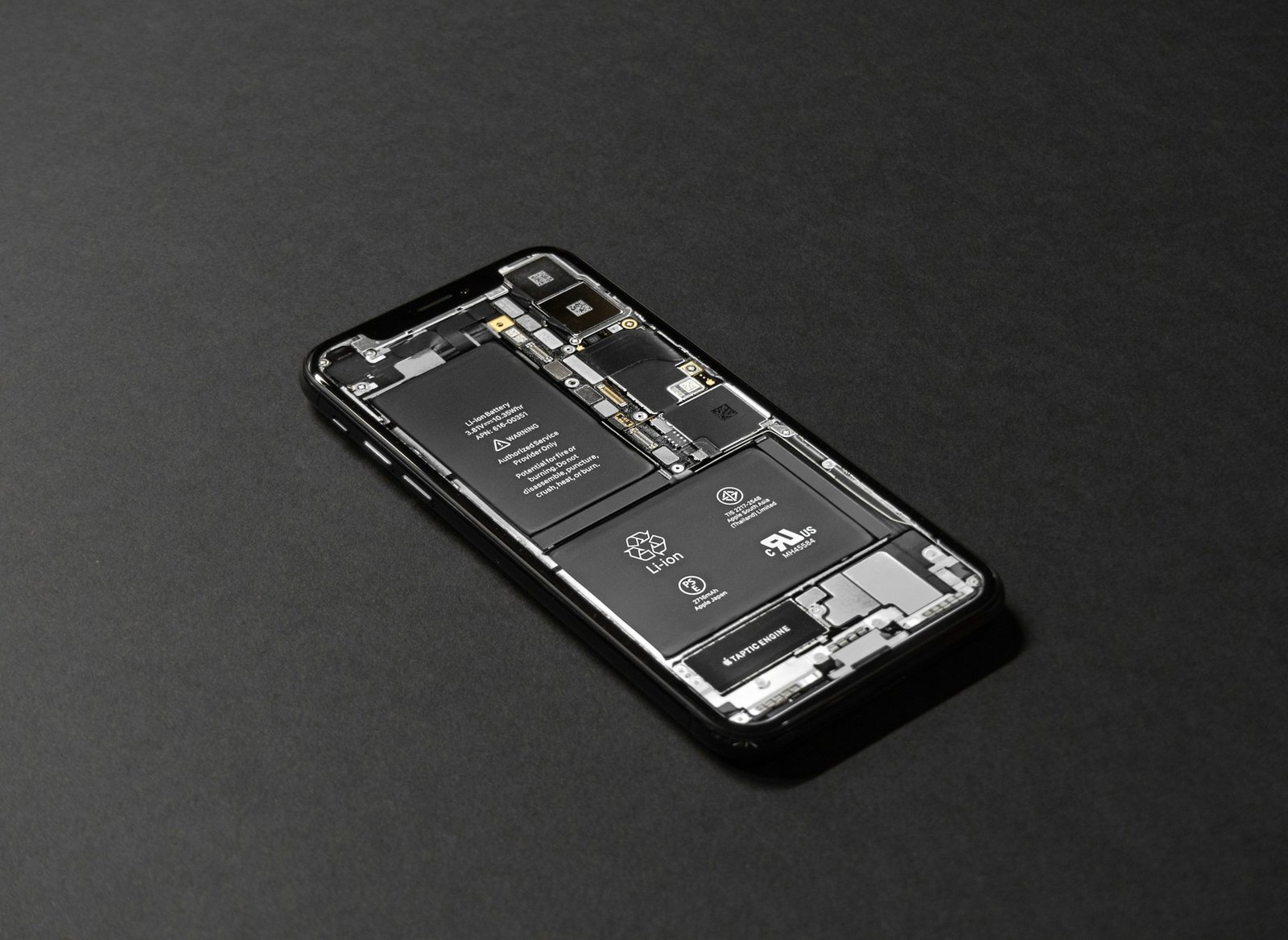
One cycle means a full battery’s worth of energy, not one plug-in. Charging from 50 percent to full twice counts as a single cycle, which is why a phone charged in short bursts through the day ages slower than the plug count suggests.
Older iPhones were rated for around 500 cycles before dropping to 80 percent capacity. The iPhone 15 onwards is rated for 1,000, and the Galaxy S26 Ultra is reported at 1,200. Most Android phones sit somewhere between 500 and 800.
A phone at 300 cycles and 88 percent capacity has plenty left to offer but a phone at 300 cycles and 79 percent has been treated badly, probably through heat or constant fast charging, and will keep falling.
The line that tells you if a seller is being straight with you
That same Battery information page on Android also shows the manufacture date of the battery cell, and on some models the date the phone was first switched on. This is the most useful thing on the screen and almost nobody checks it.
A phone sold as brand new with a cell manufactured eighteen months ago has been sitting in a warehouse, and that battery has been ageing on a shelf whereas a phone whose battery manufacture date is much newer than the phone itself has had the cell replaced, which may be honest refurbishment or may be something the seller chose not to mention to you.
Check it well before you pay, in the same pass where you confirm the model number and RAM variant, since both live two taps apart in the same settings menu.
What a replacement is worth
At 80 percent and falling, a battery replacement is usually the cheapest way to get another two years out of a phone you otherwise like. Use official service centres where you can, because a poor quality replacement cell often reports its capacity incorrectly and fails faster than the one it replaced.
Buying used, treat a worn battery as a negotiating point rather than a reason to walk away. Find out what a replacement costs locally for that model and take it off the asking price. A phone at 82 percent capacity with everything else in good order is often still the better buy against a newer model with less RAM.
How to slow the decline on the phone you own
Heat does more damage than anything else. Charging in direct sun, leaving the phone on a car dashboard, or gaming while plugged in all age the cell faster than the cycles alone would. If your phone gets uncomfortably warm while charging, take the case off.
Staying roughly between 20 and 80 percent also helps, and most phones now have a setting for it under Settings > Battery > Charging optimisation or similar. Fast charging is fine occasionally, but if you have the choice overnight, the slower charger is kinder to the battery.





Join the conversation