

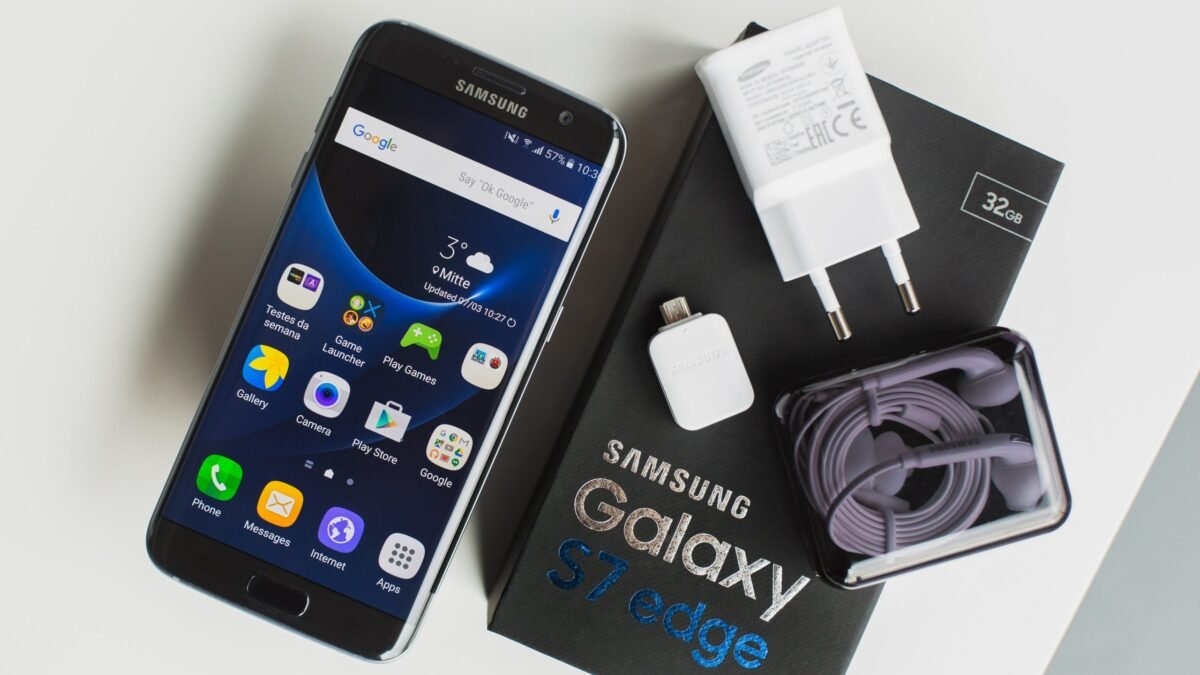
A UK-used Samsung Galaxy S21 no longer appears on Samsung’s official security update list, while the Galaxy S22 series is now on quarterly patches, so the model year is the first thing to settle before you pay for any UK-used Samsung in Nigeria. The phone can look perfect and still be at the end of its software life, and that should show up in the price.
Beyond software support, foreign-used Galaxy phones can arrive with the previous owner’s Google account still attached, a lender’s lock from a payment plan, a network lock from a UK carrier or a tired battery. The good news is that you can test almost all of this in the shop with the seller present, and none of it needs special tools.
| Monthly patches | Galaxy S23, S24, S25 and S26 series, including the FE models |
|---|---|
| Quarterly patches | Galaxy S22, S22+, S22 Ultra and Galaxy S21 FE 5G |
| Galaxy S21, S21+, S21 Ultra | Not on Samsung's current update list |
| Galaxy A series | Listed models get quarterly patches |
| Check your IMEI | Dial *#06# |
Start with the UK-used Samsung’s update status, not the condition of the body
Samsung publishes the phones it still patches on its security updates page, split into monthly and quarterly groups. The Galaxy S23 family and newer sit in the monthly group, the S22 family and the S21 FE are quarterly, and the regular S21, S21+ and S21 Ultra aren’t listed at all. A phone missing from that page isn’t going to stop working, but it won’t get fixes for new security holes, which matters if you use banking apps on it.
Open Settings > About phone and read the exact model name and model number rather than trusting the advert, because an S21 FE and a regular S21 are easy to mix up in a listing. Then check Settings > About phone > Software information for the Android security patch level. A patch that’s many months old on a model Samsung still supports usually means the phone simply hasn’t been updated, so ask the seller to run Software update before you agree a price.
The Google lock that only shows up after a reset
Google’s Factory Reset Protection switches on once a Google account is added to the phone. If the phone is later reset without that account being removed, it asks for the old owner’s login during setup, and Samsung’s guide to Google FRP says that without the details you’d need to visit an authorised service centre with proof of purchase. A seller’s WhatsApp chat usually won’t count as that proof.
Ask the seller to open Settings > Accounts and backup > Manage accounts and remove every Google and Samsung account while you watch. After that, have them reset the phone through Settings > General management > Reset > Factory data reset and go through setup in front of you. Don’t pay for a Galaxy that asks for someone else’s account at any point in setup, even if the seller promises to sort it out later.
A payment plan lock can survive a factory reset
Samsung sells a service called Knox Guard to resellers that offer phones on financing, and to insurers and businesses that want to protect their devices. According to Samsung’s Knox Guard page, it supports a “SIM/connectivity-based lock, total lock, and more flexible lock/unlock options”, and it’s built so the protection holds “even after reset/rooting attempts”. In plain terms, a Galaxy that was bought on a payment plan and never fully paid for could be locked by the lender months after you buy it.
There’s no simple menu that shows you this, so the best protection is where the phone came from. Ask the seller directly whether the unit was ever on a payment plan or a company contract, keep the answer in writing, and be careful with prices that are far below what the same model sells for elsewhere. Our guide on spotting a phone that’s been downgraded this year covers more of the warning signs worth looking for in a used listing.
Put your own SIM in before you trust the signal bars
Ofcom banned UK mobile companies from selling locked handsets from 17 December 2021, as its announcement of the ban explains, but a Galaxy bought on contract before then can still be tied to its original network. Insert your own MTN, Airtel, Glo or T2 SIM, make a short call and load a web page on mobile data. A phone that shows “SIM not supported” or asks for an unlock code is network locked, and you shouldn’t pay until that’s resolved.
While the SIM tray is out, dial *#06# and make sure the IMEI on screen matches the one on the box and in Settings > About phone. That check matters more than usual right now, because the Nigerian Communications Commission says in its statement on its Device Management System that SIM-enabled devices brought into the country must be registered before they’re sold, and that devices which aren’t properly registered “will not be permitted to operate on Nigerian networks”. The deadline for dealers and importers to register phones in stock is October 6, so buying from a seller who can account for the stock is the safer choice.
Let Samsung’s own diagnostics grade the battery
Samsung Members, the support app that comes preinstalled on Galaxy phones, has a built-in test for this. Open it, go to the Support tab, tap Get Started under Phone diagnostics and choose Battery status. Samsung’s battery status guide says a result of Bad means “The battery life has significantly degraded”, while Weak means efficiency has dropped with use.
Run Test all in the same menu while you’re there, because it also checks the touch screen, cameras, speakers, microphone, fingerprint sensor and charging port. A Weak battery isn’t a reason to walk away if the price reflects it, but a Bad result means you’re buying a replacement battery too. Our guide to checking a phone’s real battery health before you buy it goes into more detail on reading these results.
What a sensible UK-used Samsung buy looks like right now
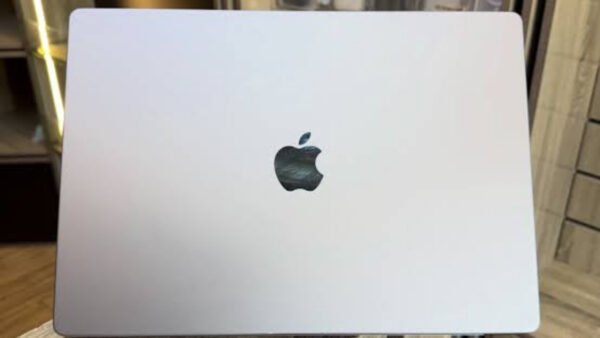
If your budget allows it, a Galaxy S23 or newer gives you the most breathing room, because those models are still on Samsung’s monthly patch schedule. An S22 can still be a fair buy at the right price as long as you’re comfortable with quarterly updates, while a regular S21 only makes sense if it’s priced as a phone that has finished its update life. The same thinking we used for UK-used MacBooks applies here, where the software support left on the device should decide how much you pay.
The practical aim isn’t to avoid UK-used Galaxy phones, since a clean unit can be excellent value. It’s to make sure the one you take home is still supported, free of anyone else’s account or lender lock, works on your own SIM and has a battery that matches the price you paid.

Join the conversation