

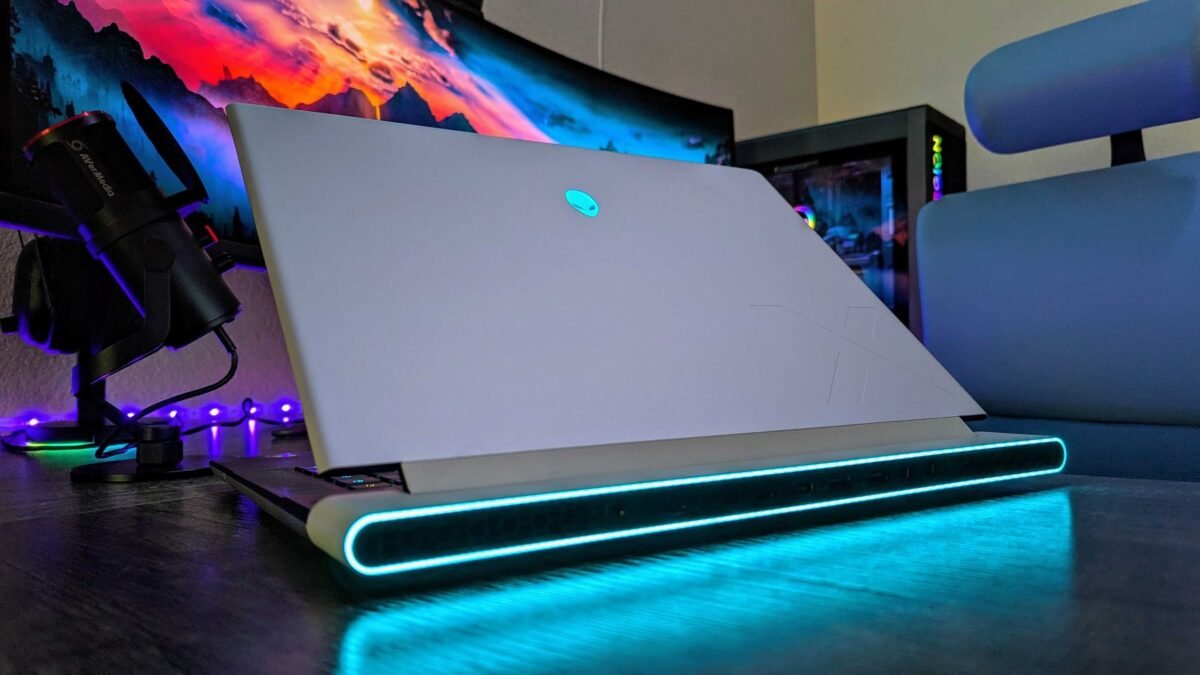
Buying a gaming laptop in Nigeria comes down to one number most listings leave out, which is how much power the graphics card is allowed to draw. NVIDIA’s own specifications show the laptop RTX 5060 can be set anywhere from 45W to 100W, and the RTX 4060 that fills a lot of UK-used and new stock here ranges from 35W to 115W. Two laptops can carry the same “RTX 4060” sticker and perform very differently because of that setting.
That gap matters more this year because new PC games are leaning harder on the GPU, and some, like Gears of War: E-Day, won’t run at all without a ray tracing card. The good news is that you don’t need special tools to check what you’re getting. A few minutes with the laptop on the seller’s table will tell you the GPU’s wattage, how the screen is wired to it and whether the cooling is in good shape, and the checks below are in the order you should do them.
| Features | RTX 4050 Laptop | RTX 4060 Laptop | RTX 5050 Laptop | RTX 5060 Laptop | RTX 5070 Ti Laptop |
|---|---|---|---|---|---|
| Power range (TGP) | 35W to 115W | 35W to 115W | 35W to 100W | 45W to 100W | 60W to 115W |
| Video memory | 6GB GDDR6 | 8GB GDDR6 | 8GB GDDR7 | 8GB GDDR7 | 12GB GDDR7 |
Why the same RTX name can hide a much slower gaming laptop
Laptop makers choose the power limit for the graphics chip to suit the size, cooling and battery of each model. NVIDIA publishes a range for every laptop GPU on its laptop GPU comparison page and notes that the configuration varies by manufacturer, so a thin travel laptop and a thick gaming machine can both use the same chip at very different wattages. A GPU that’s fed more power can hold higher clock speeds for longer, which is why a well-fed version of a lower GPU can end up much closer to the next model up than the names suggest.
You’ll see this most clearly with slim laptops sold as “gaming” or “creator” machines in Nigeria. They look premium and the GPU name reads well on the listing, but the chip inside may be capped near the bottom of its range to keep heat and fan noise down. That isn’t a fault, it’s a design choice, but you should know which one you’re paying for before you hand over the money.
Check any gaming laptop in Nigeria for its real GPU wattage
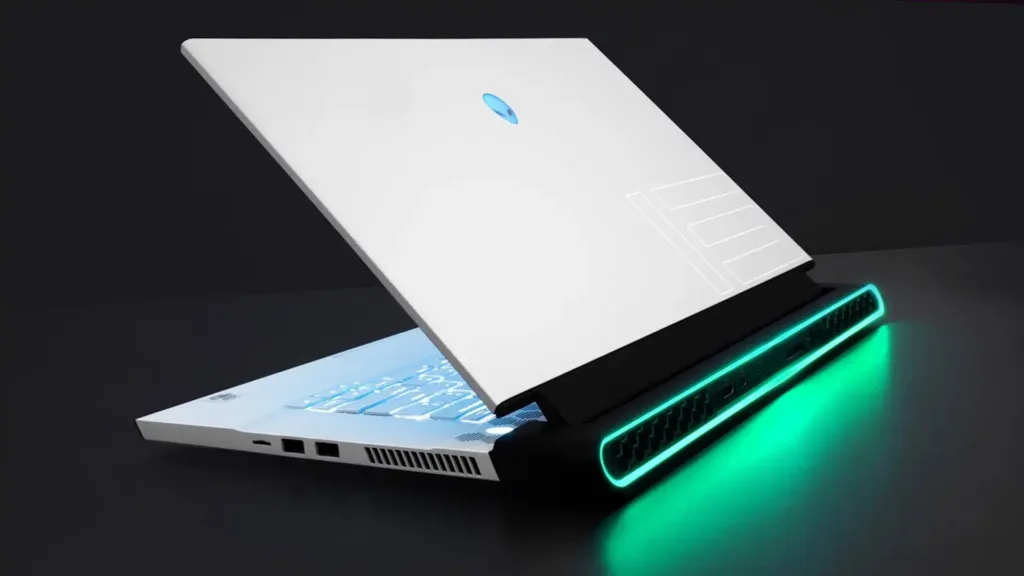
On a Windows laptop with NVIDIA drivers installed, open the NVIDIA Control Panel, click System Information in the bottom-left corner and look at the Display tab. The line for Maximum Graphics Power shows the wattage the laptop’s GPU is allowed to use. If the Control Panel isn’t installed on your build, search the exact model number on the manufacturer’s own support or specification page, because most brands list the GPU’s TGP there even when shop listings don’t.
Compare that figure with the range in the table above. A number near the top of the range means the laptop was built to let the GPU stretch, while a number near the bottom tells you to expect performance closer to the next model down. Don’t take a seller’s verbal answer for this, because the number on the screen is the one that counts.
A MUX switch decides how much of that power reaches your screen
On many gaming laptops, frames from the NVIDIA card pass through the processor’s built-in graphics before they reach the display, which saves battery but costs some performance in games. A MUX switch, or NVIDIA’s Advanced Optimus on laptops that support it, lets the RTX card drive the screen directly. You’ll usually find it as a GPU mode option in the brand’s control app, under names like Ultimate, Discrete or dGPU mode, and switching it typically needs a restart.
A laptop without a MUX switch is still usable for gaming, especially if you mostly plug in an external monitor, since an external display connected to a port wired to the GPU bypasses the issue on many models. If you’ll game on the laptop’s own screen most of the time, though, a model with the switch is the safer buy at the same price.
Power cuts, generators and the charger you can’t afford to lose
Gaming laptops only deliver their full GPU power when they’re plugged in, and the higher the wattage, the bigger the original charger tends to be. On battery, the GPU is pulled back sharply to protect battery life, so a laptop you plan to game on during outages will feel much slower than it did in the shop. If you’re running it from an inverter or a generator, make sure the setup can handle the charger’s full rating, and our guide to surge protectors and stabilizers covers how to protect it from unstable supply.
Be careful with replacement chargers too, because a lower-wattage brick may power the laptop but won’t let the GPU reach its limit. Our guide to matching a laptop charger’s voltage and wattage walks through what to read on the label, and if the battery on a UK-used unit is already tired, check the advice on laptop battery replacement in Nigeria before you budget for one.
What to prioritise if your budget only stretches so far
If you’re choosing between two laptops at a similar price, a higher-wattage version of a lower GPU with good cooling and a MUX switch is often a better gaming buy than a thin laptop with a bigger GPU name running at minimum power. Check the wattage first, then the cooling under load, then the display routing, and only then let the sticker on the palm rest guide you. For UK-used machines, run through our BIOS password and company lock checks as well, because a locked laptop can stop you changing the very settings that unlock its performance.









Join the conversation