

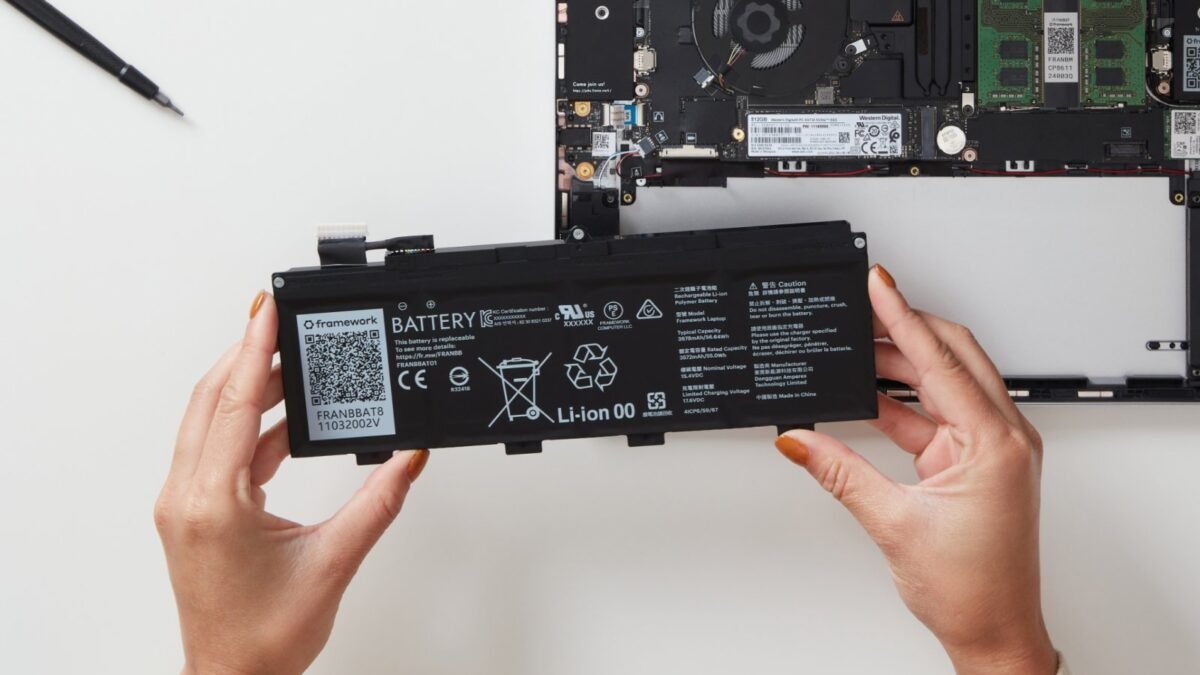
A laptop battery replacement in Nigeria only makes sense once you’ve confirmed the battery is really the problem, and that takes about two minutes with tools already on your laptop. Windows can produce a full battery report with one command, Macs show the cycle count in System Information, and HP, Dell and Lenovo all have their own battery health checks. Once you know the real capacity left, matching the part number and voltage on the old battery is what keeps you from paying for the wrong one.
This matters more here than in many markets because a lot of laptops in Nigeria are UK-used machines that arrive with batteries already a few years old, and they then spend their lives on generator power, inverters and long power cuts. The good news is that a tired battery is usually a simple swap, and the checks below will tell you whether you need one, which one fits, and whether an original part is worth the extra money for your machine.
Run the Windows battery report before you spend a kobo
Windows has a built-in battery report that most people never open. Click Start, type cmd, open Command Prompt and enter powercfg /batteryreport. Microsoft’s powercfg documentation explains that the command saves an HTML report in the folder you ran it from, which is usually C:\Users\YourName. Open that file in your browser and look at the section called Installed batteries.
Two numbers there tell you most of the story. Design capacity is what the battery held when it was new, and full charge capacity is what it holds today. If a battery designed for 41,000mWh now reaches only 20,000mWh, it has roughly half its original capacity, and no setting or software will bring that back. A battery still sitting above about 80% of its design capacity usually isn’t the reason your laptop dies quickly, so look at screen brightness, background apps and power mode before you buy anything. The report also lists a cycle count on many laptops, although some machines leave that field blank.
HP, Dell, Lenovo and Mac owners have an even quicker check
Your laptop maker’s own tool gives you a plainer verdict, and on a laptop still under warranty it’s the result the service centre will want to see. HP points owners to HP Battery Check inside HP Support Assistant, which gives you a failure ID code if it finds a fault. Dell’s battery health guide lists three routes, which are the Battery Health entry in the BIOS (press F2 repeatedly at start-up), the Battery Information page in Dell Power Manager, and the on-board diagnostics you reach by pressing F12 at start-up and choosing Diagnostics. On a Lenovo, the Lenovo Vantage app shows battery details under its power settings on most models.
On a MacBook, hold the Option key, click the Apple menu and choose System Information, then select Power to see the cycle count. Apple’s cycle count page says most recent MacBook Air and MacBook Pro models are rated for 1,000 cycles, and that the battery is designed to keep up to 80% of its original capacity at that point. A UK-used MacBook showing 900 cycles will need a battery sooner than one showing 200, which is worth knowing before you agree a price for the laptop itself. You’ll also see a battery condition message in System Settings > Battery on newer versions of macOS, and “Service Recommended” there means the battery is due.
The label on your old battery decides which replacement fits
Laptop batteries aren’t interchangeable just because two laptops share a brand. Each one carries a part number that belongs to specific models, such as HP’s HT03XL family, along with a voltage and a capacity in watt-hours (Wh) or milliamp-hours (mAh). On older laptops with a removable battery, you’ll find the label on the battery itself. On most modern laptops the battery sits inside, so you’ll either need to open the bottom panel or give a technician your exact laptop model number from the sticker under the laptop so the right part can be looked up.
Match the part number first and the voltage second. A battery rated at 11.4V is not a safe stand-in for one rated at 15.2V, even if the connector looks similar. Capacity can differ slightly between an original and a compatible part, but be careful with compatible batteries that claim far more capacity than the original while being the same size, because the space inside the laptop limits how many cells can fit.
When an original battery is worth the extra money
An original battery is made or approved by the laptop maker, while a compatible battery is a third-party part built to fit the same slot. Dell’s own guidance recommends a genuine Dell battery when health stays poor, and adds that availability of Dell-branded parts varies by region, which is the honest picture in Nigeria too. Original parts are often harder to find locally and cost more, and prices vary so much between sellers that we haven’t listed a naira range here, so get two or three quotes for your exact part number before you decide.
| Original battery | Compatible battery | |
|---|---|---|
| Made by | The laptop maker or its approved supplier | A third-party manufacturer |
| Fit and recognition | Designed for your exact model | Usually fits, but some laptops may show a warning |
| Official warranty or service | Can be fitted under warranty at an authorised centre | Depends on the seller's own promise |
| Price | Higher | Lower |
| Availability in Nigeria | Limited for many models | Widely available |
If your laptop is still under warranty, don’t fit a third-party battery yourself. Run the maker’s check, get the failure code where the tool gives one, and take it to an authorised service centre so the replacement is covered. For an older UK-used laptop you plan to keep for a year or two, a well-reviewed compatible battery from a seller who’ll take it back is a reasonable choice. For a MacBook, check Apple’s support site for an authorised service provider in your city before you settle for an unknown part, because Macs report battery condition in detail and a poor replacement shows up quickly.
A swollen battery changes the plan completely
Sometimes the battery isn’t just weak but physically damaged. Signs include a touchpad that won’t click properly, a keyboard that bulges, a bottom panel that no longer sits flat, or a laptop that rocks on a table. If you see any of these, stop using and charging the laptop, and don’t press on or puncture the battery. Dell’s guidance in this situation is to stop using the laptop and let the battery drain fully before anyone attempts to remove it. Take it to a technician who’ll remove the battery carefully rather than leaving it plugged in overnight.
How to make your new laptop battery last longer on Nigerian power
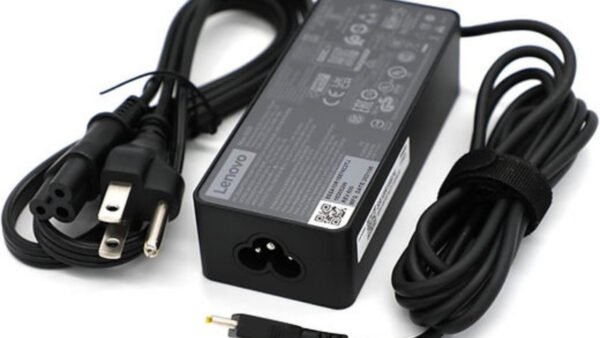
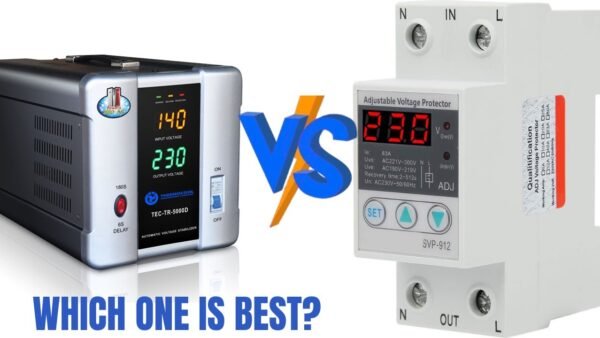
Heat is what ages lithium batteries fastest, so keep the laptop on a hard surface rather than a bed or pillow, and don’t leave it baking in a hot car. Many laptops now offer a charge limit that stops at around 80% when you’re mostly plugged in, through tools such as Dell Power Manager, HP’s battery settings or Lenovo Vantage, and Macs have optimised battery charging built in. If your power comes from a generator or an unstable supply, protect the charger as well, since a damaged charger can be mistaken for a dying battery. Our guide to choosing a portable power station in Nigeria covers a cleaner way to keep a laptop running during long outages.
If you’re still shopping for the laptop itself, make the battery part of the inspection. Our checks for a UK-used laptop with a BIOS password or company lock and for a UK-used MacBook pair well with the battery report above, and students can start with our advice on a laptop for university in Nigeria. The practical aim is to replace the battery only when the numbers say it’s worn, and then to buy the part that matches your model exactly, from a seller who’ll stand behind it.








Join the conversation